
In this guide we will cover:
The Blog Module
Blogs are a great example of how a module works, where content is are created within one section of a website and can then be selected to display on a General Page.
A Blog Landing Page is normally created within the General section of the CMS, under the Pages menu item, as a General page.
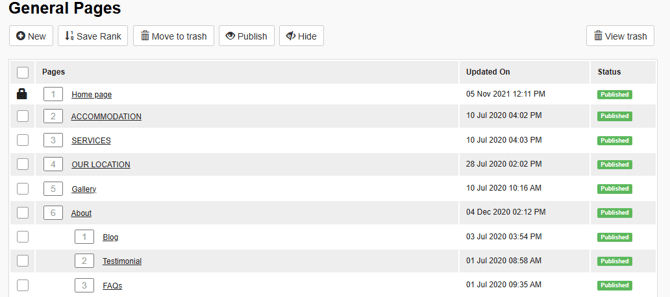
Published Blog Posts will display on the Blogs Landing Page (a General Page) when a rank or number has been assigned against the Blogs module within the modules tab of this General Page.
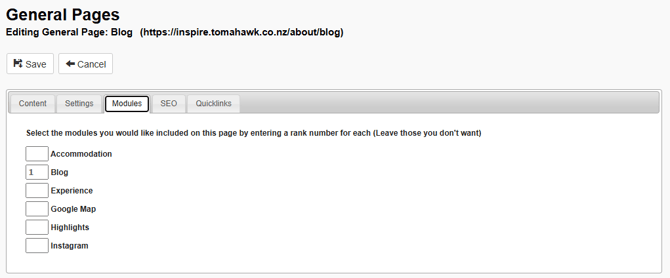
This will automatically populate the General Page with Blog content from the Blog Module, every time a Blog Post is created and then published.
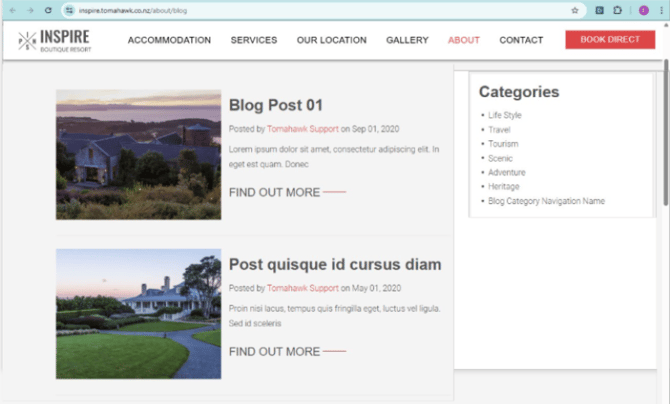
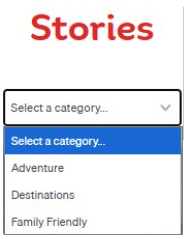
When a Blog is created and then published it will display as a Quicklink Style Tile on the Blogs Landing Page and include a Category filter to allow a visitor to the page to filter all Blogs by a Category.
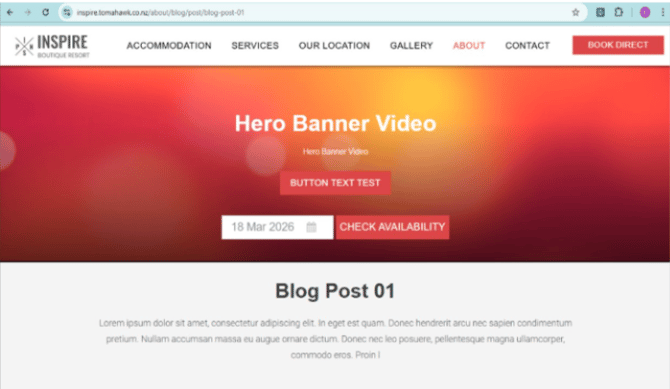
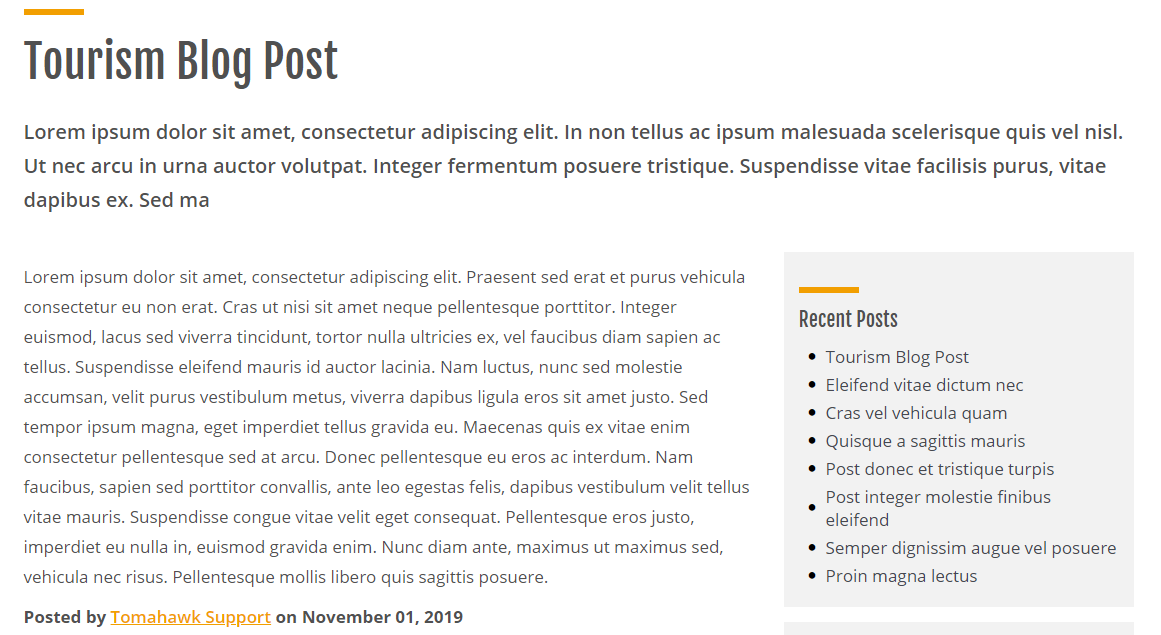
When a visitor to the Blogs Landing Page selects a Blog, this will open a standalone page with a unique URL that provides more details on the Blog.
There are two sections within the Blog module: Categories and Posts.
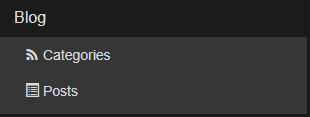
Each Blog Post needs a Category, so let's first look at this section of the Blog Module first, as once a Category is created and saved it can then be selected to display on a Post.
Blog Categories
Blog Categories allow you to create a classification or topic for Blog Posts, and then set each Blog Post with a category within the CMS, that best describes its content. You can set a single, or multiple Categories on a Blog Post.
On the front end, Categories allow a visitor to the Page to filter Blog Posts by these Categories.
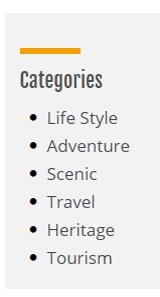
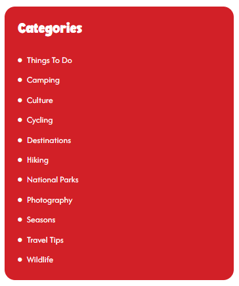
Blog Categories can be seen on a sidebar of the Blog Landing Page where visitors to the page can select a desired Category to view all related Blog Posts.
Blog Posts
Blog Posts are the articles that are created within the Blog Module under the Posts menu item, and when published will display in two places:
1. As a Quciklink Style Tile on the Blogs Landing Page
Every published Blog Post will display a Quicklink Style Tile with an Image, Title, Author, Description and CTA button, with the Categories menu fixed to the right-hand side.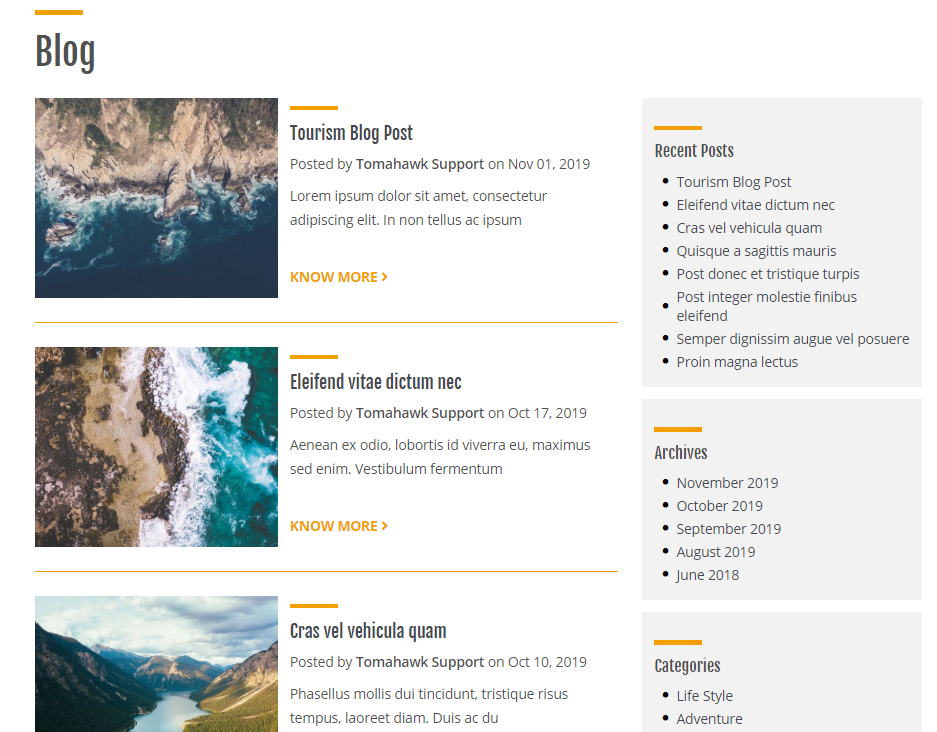
2. As a standalone page with its own URL
Here you will be able to read the details of the Blog.
✍️ Creating a Blog on your website?
See our guides on: